Quick Look Markdown Files
Markdown Preview seamlessly integrates with Finder and any other apps that support Quick Look.


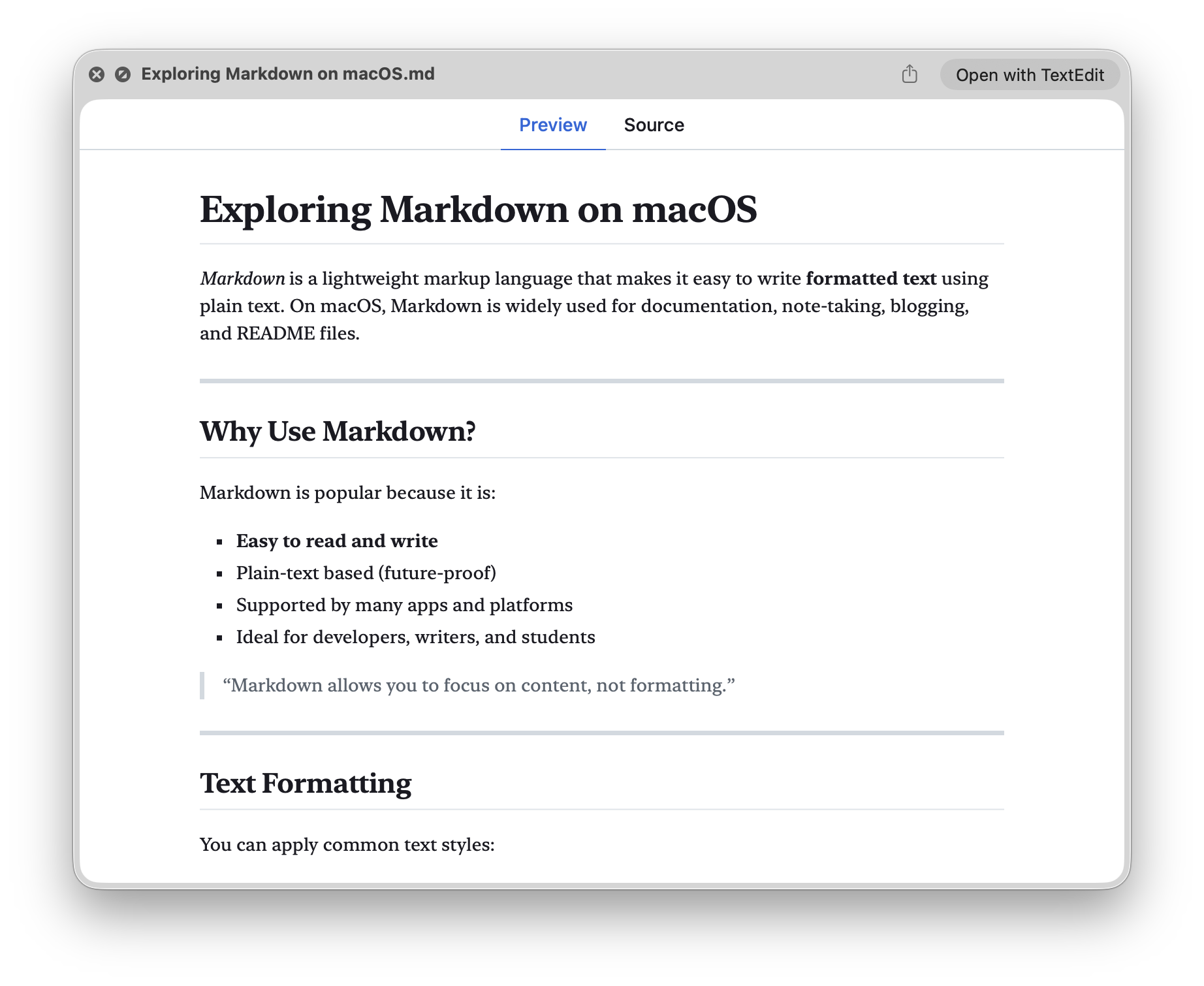
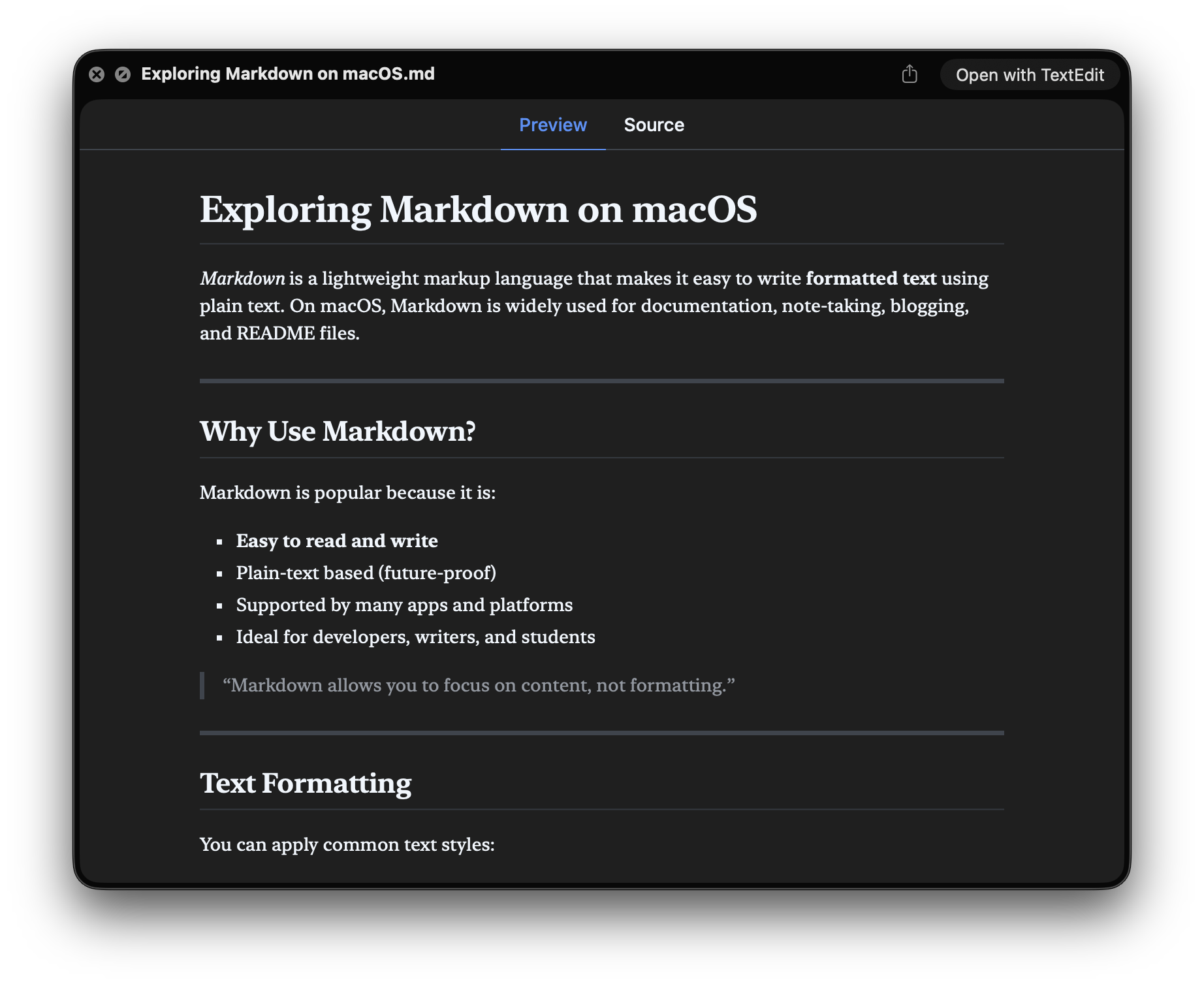

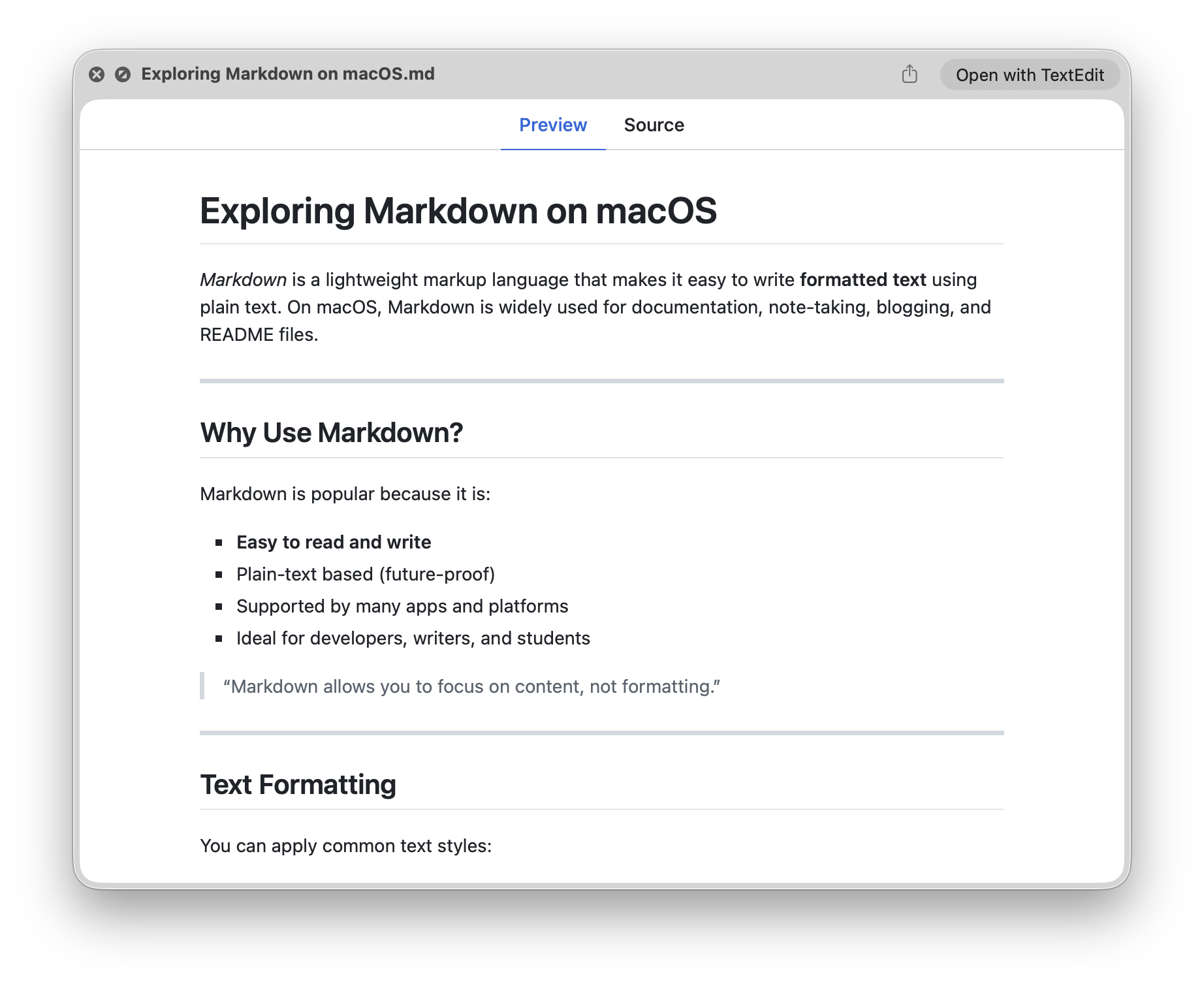
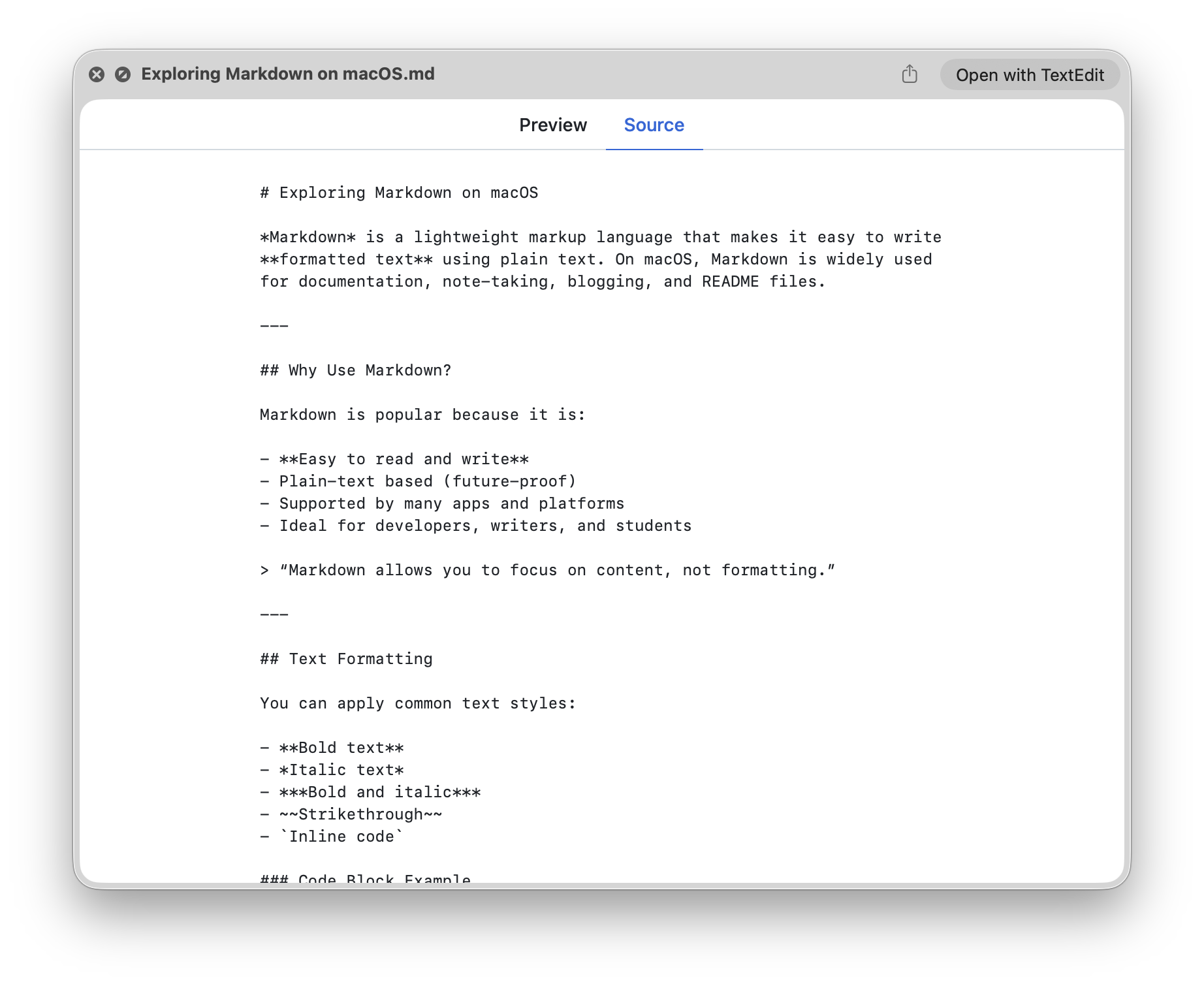
Supplement Finder with Markdown Preview
Markdown Preview not just works in Finder, but also in third-party apps such as ForkLift, Bloom, Path Finder, Commander One, and QSpace.
Markdown Preview supports the popular spec: GitHub Flavored Markdown Spec.
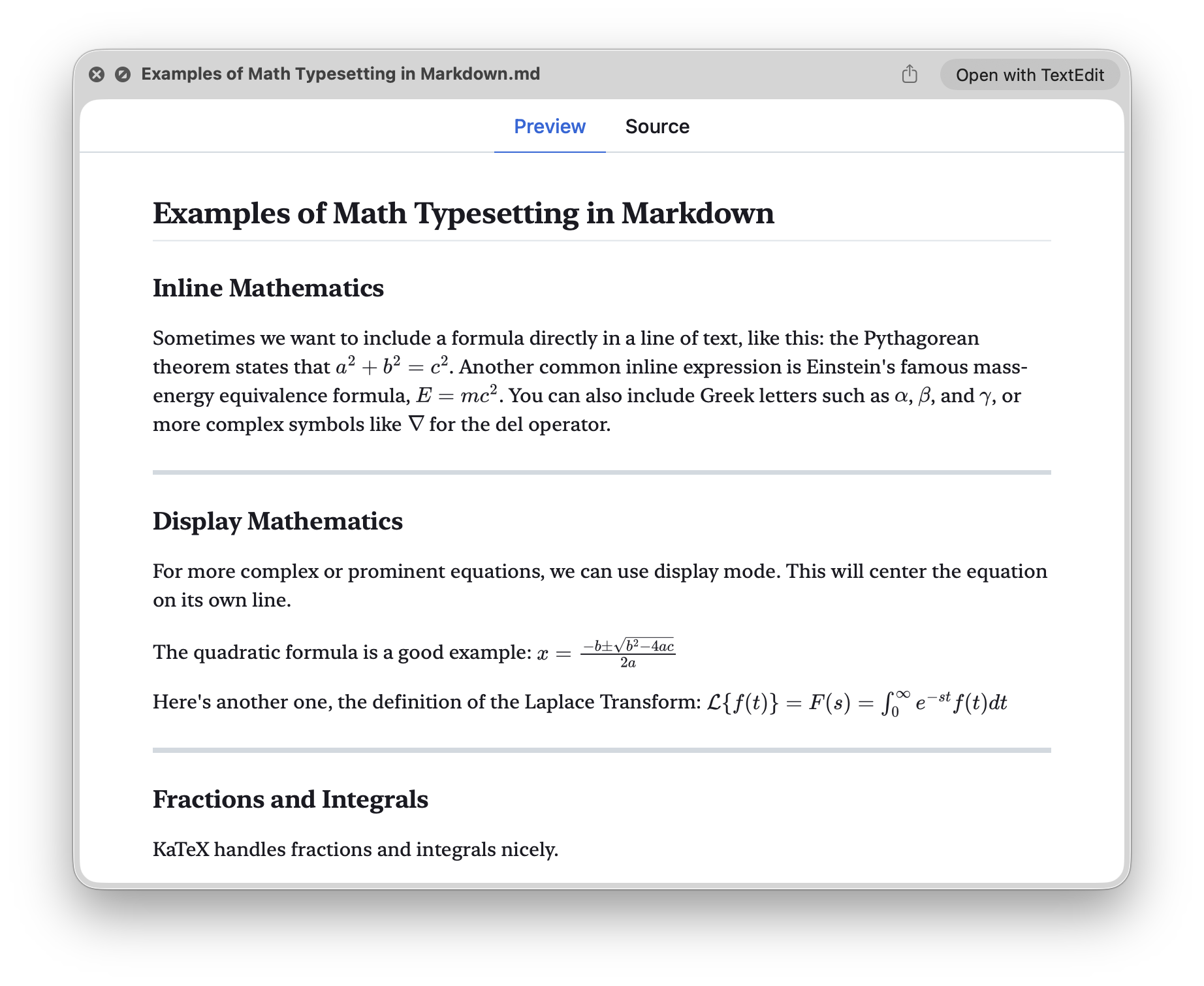
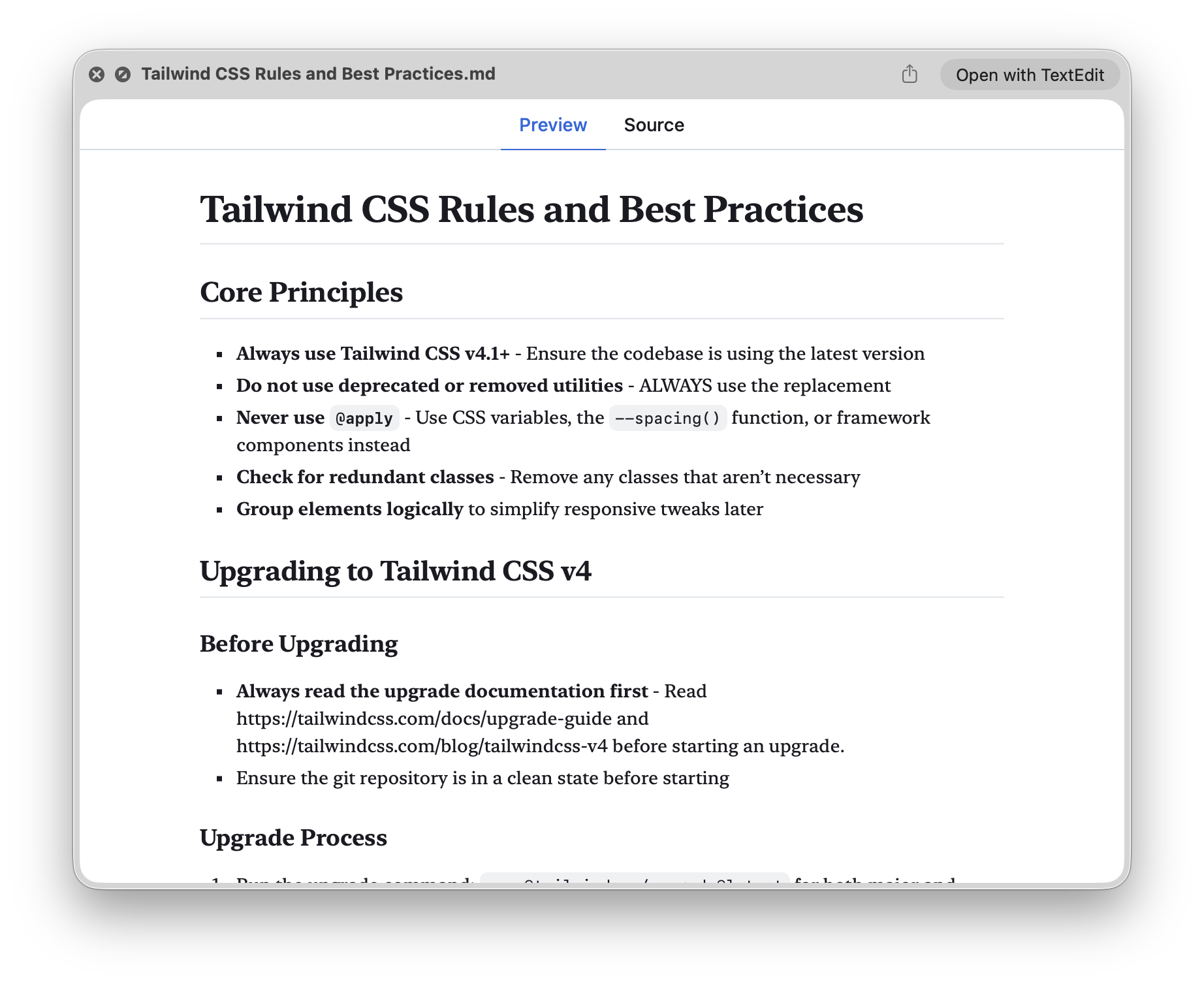
Loved by users worldwide.
Markdown Preview is highly rated by users from around the world. Here’s what some of them have to say:
I was looking for a way to quickly preview .md files on my MacBook. Gemini said there is no easy way to do so on a Mac and recommended this app here as enhancement for Apple’s Quick Look that fails to render .md files correctly. So I installed this app. Now I just hit the space bar to quickly read rendered .md files - exactly what I was looking for. This should indeed be a standard feature of MacOS / Quick Look or Xcode, especially now that .md files are so important when working with LLMs (e.g., Claude Code or OpenAI Codex). Thanks a lot to the developers for building this helpful tool!
Works…Mac User 67Simple “Quick Look” extension by pushing the space bar while in Finder.
Nice quicklookearthhostel
A pity that markdown aren’t supported natively on Mac OS in 2025. I am happy this app exist! My only wish would be to have more option to customise the appearance.
Great! That's what I neededSteven MasiniIt’d be amazing to be able to set custom vanilla CSS themes. A mini companion app that allowed for leaving the preview fixed and live rendering on save would be even more amazing. The ideal solution is to support the official MultiMarkdown spec. That way, metadata supports custom CSS and even file transclusion out of the box. But the fact that it's simple and to the point is what makes it attractive, hopefully it doesn't become bloated with time.
Works perfectlyMattemotto
Haven’t noticed any issues for basic previewing of markdown files and pleasantly surprised (not having seen it in the several screenshots) that there’s a dark theme.
Works wellMattM99Super handy app to have a quick look into markdown files.
Works very wellstonerlJust right. Great app at a great price. Just what I was looking for.
Awesome. Works on Tahoekylepw
Good old-fashioned paid-upfront app.
Going paid-upfront makes the app as simple as possible: no paywalls, and no network requests,
One-Time Purchase
Markdown Preview is only available on the Mac App Store as paid-upfront app for a one-time purchase of $1.99 USD.
What’s included
- Lifetime free updates, including major new versions.
- Share with up to five family members via Family Sharing.
- Priority customer support via email.
Pay once, own it forever
$1.99USD
Actual price varies based on your region.